


Here's how to set up a CPR Website Designs email on an Android phone or tablet:
- Open the mail application on your Android device.
- Select Add New Account and enter the mailbox name and its password.
- Select Manual Setup and select IMAP Account.
- The User name will need to be the same as the mailbox name.
- Enter imap.yourdomain.com as the IMAP Server, change the Security Type to SSL, Port 993 should then be used.
- Enter smtp.yourdomain.com as the SMTP Server, change the Security Type to SSL, Port 465 should be added.
- The outgoing mailserver User name and Password are the username and password for your mailbox.
- Select Sign In and the mailbox will be added to your Android.
Please make sure to replace YOURDOMAIN above with your url
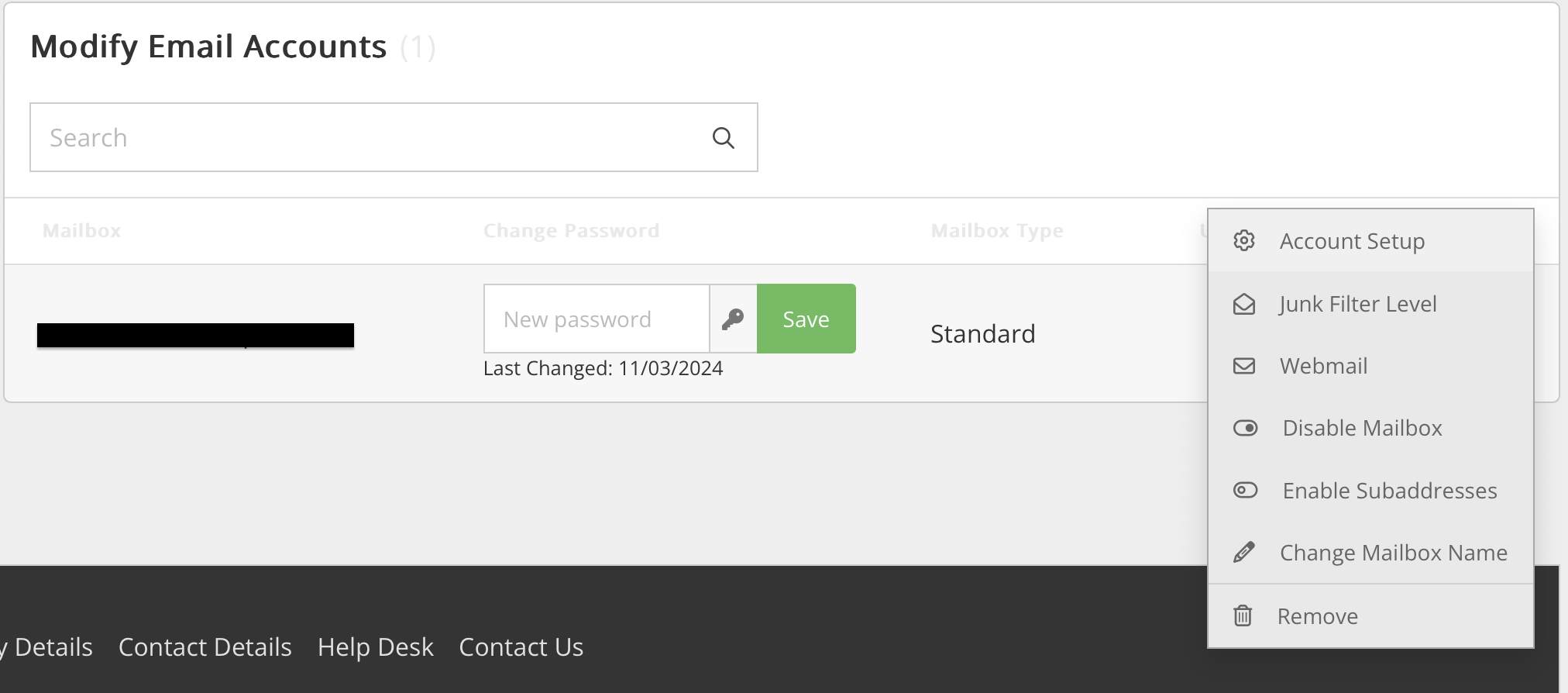
You can also find your account information under your email accounts panel, selecting option, and then account set up.